Gift cards: at the counter, online and in your feed
In December, people often want to give something local and don't know what. A gift card answers that, but only if they know you sell them, can picture what they're giving, and can buy one in the moment, at your counter or from their phone at 11 p.m.
Not every business makes gift cards easy to find.
Time: about an hour to an hour and a half to set up. Then a few minutes for each post through December. You need: access to your payment or booking system, your website, and a photo of a gift card in someone's hand.
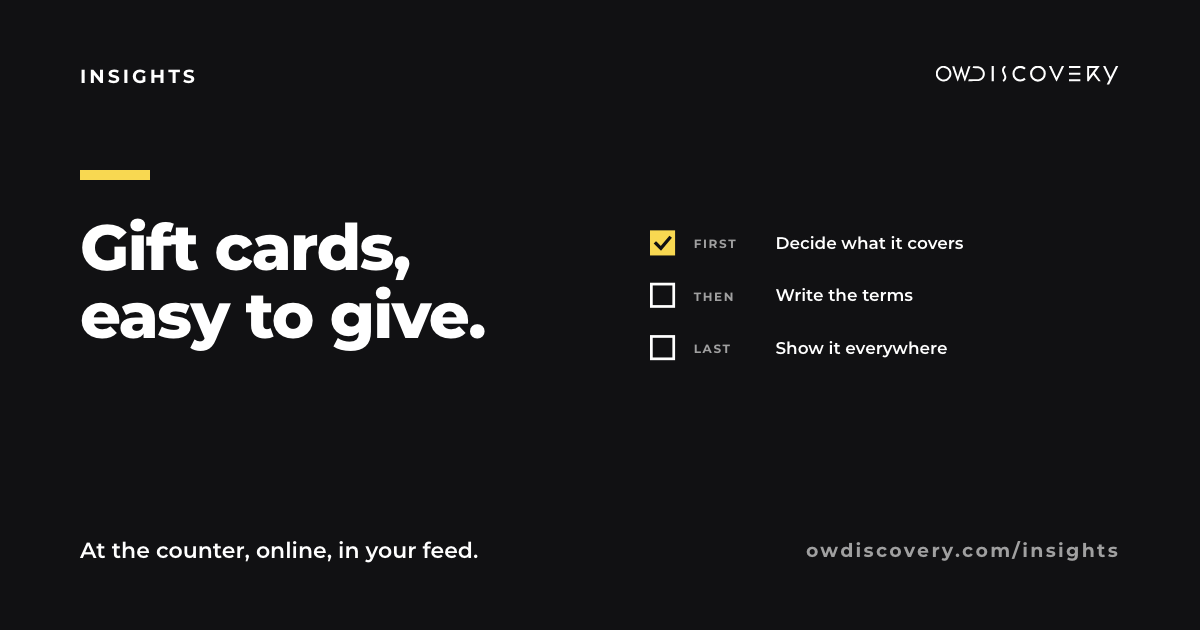
Step 1: decide what you sell (10 to 15 minutes)
- Amounts: a few round numbers that match what people spend with you. Think of the cost of one visit, of two, and of a treat.
- Or an experience: "a haircut and blow-dry", "a month of classes", "dinner for two". These are easier to picture, so be clear about what happens if the price changes.
- Physical, digital or both: a card at the counter for people who come in, a digital one for people who live far away or remember late.
Step 2: check your payment system first (15 to 30 minutes)
Many point-of-sale and booking systems include digital gift cards, sometimes at no extra cost. Check what yours offers before you buy anything new, and test one purchase yourself from start to finish.
Step 3: write the terms in plain words (about 10 minutes)
Write three short lines a customer will see before they buy:
- What it can be used for.
- Where it can be used: in store, online, at both locations.
- How to check the balance.
Federal rules generally require that the money on a gift card doesn't expire for at least five years from the date it was bought or last loaded, and they limit inactivity fees. Your state may add its own rules, so check those too before you print anything.
Step 4: make it visible everywhere (10 to 20 minutes)
- At the counter: a small sign by the register.
- On your website: a "Gift cards" button that's easy to find.
- On Instagram: a gift card highlight, and the link in your bio through December.
- On Google: an offer or update post on your Business Profile.
- In conversation: when someone asks "what should I get my sister?", have the answer ready.
Step 5: show what it looks like (about 10 minutes)
A sign that says "Gift cards available" is easy to ignore. A photo of the card in a hand, tucked in an envelope with a ribbon, or on a phone screen for the digital version, is easy to picture. Take it in daylight, close up.
Step 6: post it on the days people buy (a few minutes each)
- The week before Thanksgiving.
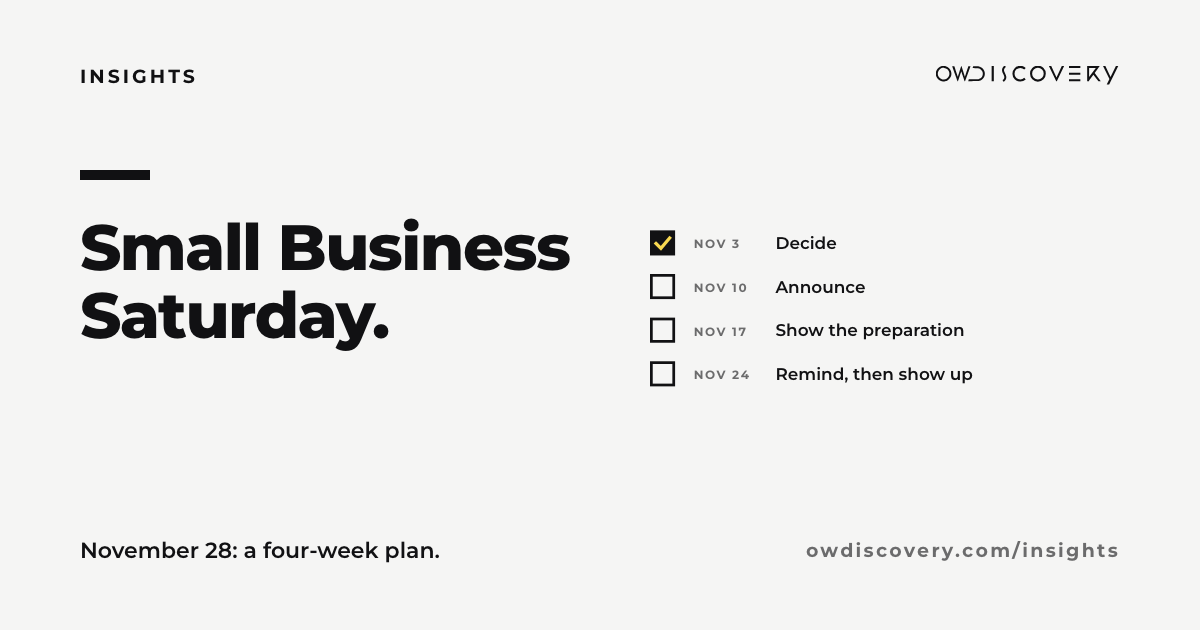
- Small Business Saturday, November 28.
- Mid December, for people who are mailing gifts.
- December 23 and 24, for the last-minute buyers. Digital gift cards are the answer here.
The short version
Decide amounts or an experience. Use the gift cards your payment system already offers. Write the terms in three plain lines. Put them at the counter, on your site, in your bio and on Google. Show what one looks like. Post on the days people buy.
If you'd rather spend that time on your business, answer a few questions at owdiscovery.com/contact-us and we will build your personalized proposal.
Sources
- Federal Reserve Board, final gift card rules under the Credit CARD Act (March 23, 2010): funds generally can't expire within five years of issue or last load, and dormancy, inactivity and service fees are limited. https://www.federalreserve.gov/newsevents/pressreleases/bcreg20100323a.htm
- The rule is in Regulation E, 12 CFR 1005.20. https://www.ecfr.gov/current/title-12/chapter-X/part-1005/subpart-A/section-1005.20
- Small Business Saturday falls on November 28, 2026.