Holiday hours, posts and offers: a checklist for local businesses
The holidays bring more searches, more gift shopping and more people trying your business for the first time. They also bring the most common local business mistake of the year: someone looks you up, sees your usual hours, drives over, and finds the door locked.
Most holiday trouble isn't about marketing at all. It's about information. Get the basics right early, and your posts and offers work much harder.
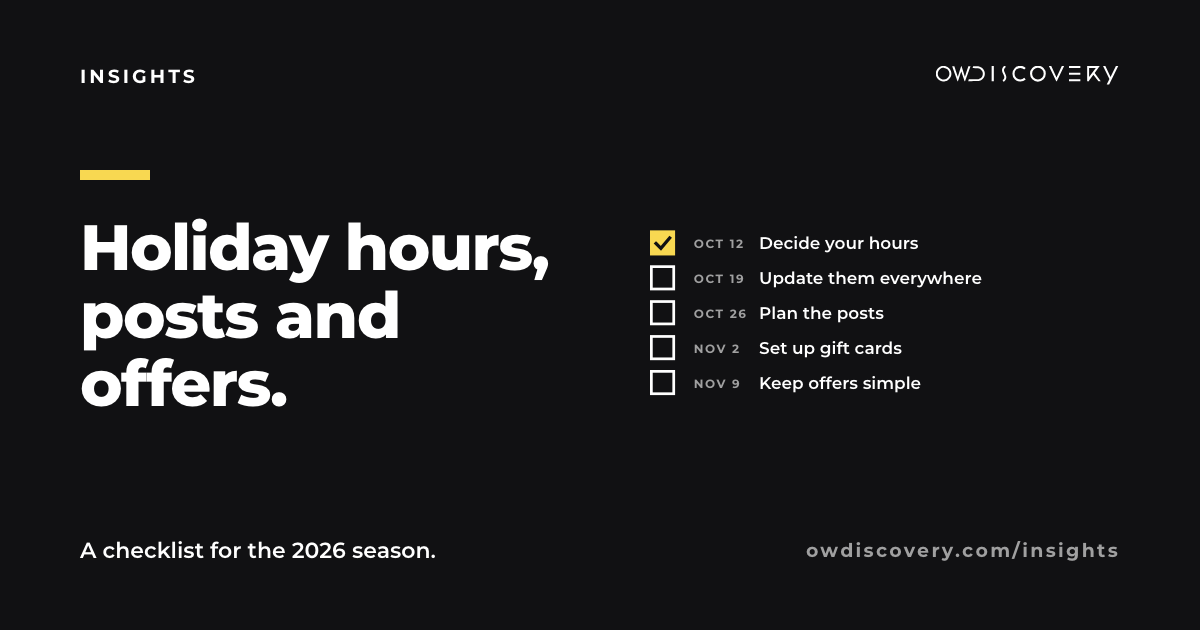
Thanksgiving is about eight weeks away. Here is a checklist, week by week, for the 2026 season, starting the week of October 12.
The dates to plan around
- Thanksgiving: Thursday, November 26
- Black Friday: Friday, November 27
- Small Business Saturday: Saturday, November 28
- Christmas Eve and Christmas: Thursday, December 24, and Friday, December 25
- New Year's Eve and New Year's Day: Thursday, December 31, and Friday, January 1
Add anything that matters to your own customers: local tree lightings, school breaks, a holiday market you join.
Week of October 12: decide, then write it down
Start by deciding a few things, so you're not deciding them in a hurry later:
- Your hours for every date above. Closed, open late, open short. Decide them all now.
- Your offer, if you want one. One clear offer beats three confusing ones. Gift cards are the simplest and suit almost every business.
- What you'll need from customers: order deadlines for catering or custom work, booking cutoffs for services, the last day to buy for delivery by Christmas.
Write all of it on one page. Every post, sign and update between now and New Year's comes from that page.
Week of October 19: update your hours everywhere
People find your hours in more places than you think. Update every one of them, with the same hours in each:
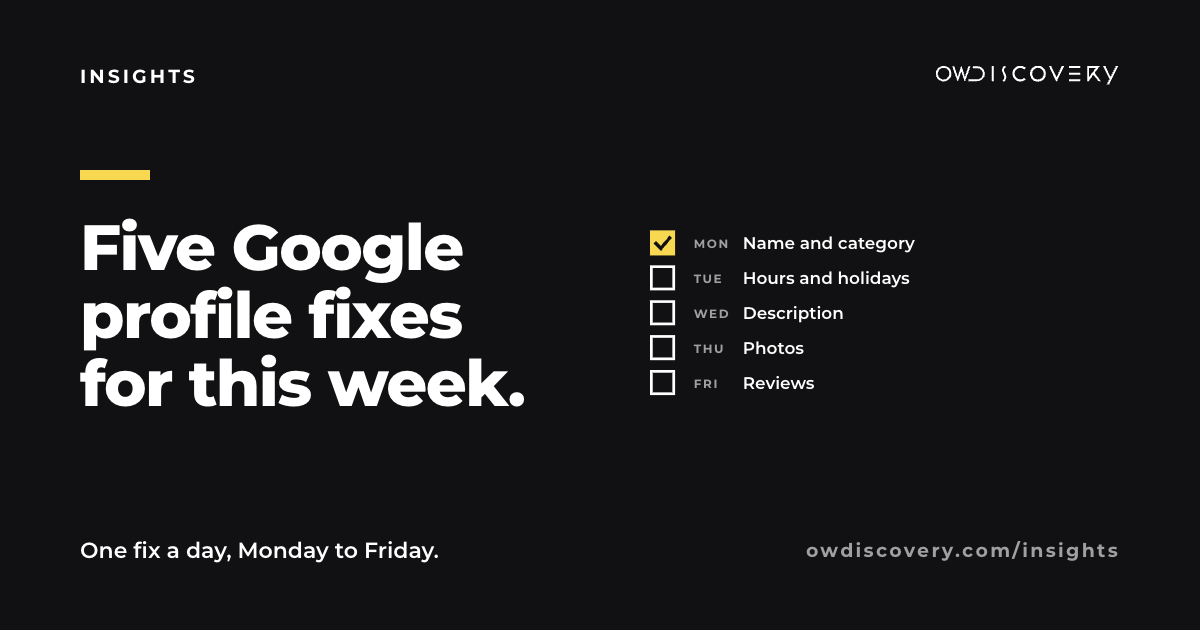
- Google Business Profile. Add holiday hours as special hours for each date, rather than changing your regular hours. Google shows them on the dates you set, then goes back to normal on its own.
- Instagram and Facebook: hours in the profile, and a pinned post in December.
- Your booking app, if you use one: block the closed dates so nobody can book them.
- Your website, if you have one, near the top of the home page.
- Apple Maps and Yelp, if you've claimed your listing there.
- The door and the register: a printed sign, in plain words.
Then check it the way a customer would: search your business name on your phone and look at what comes up.
Week of October 26: plan the posts
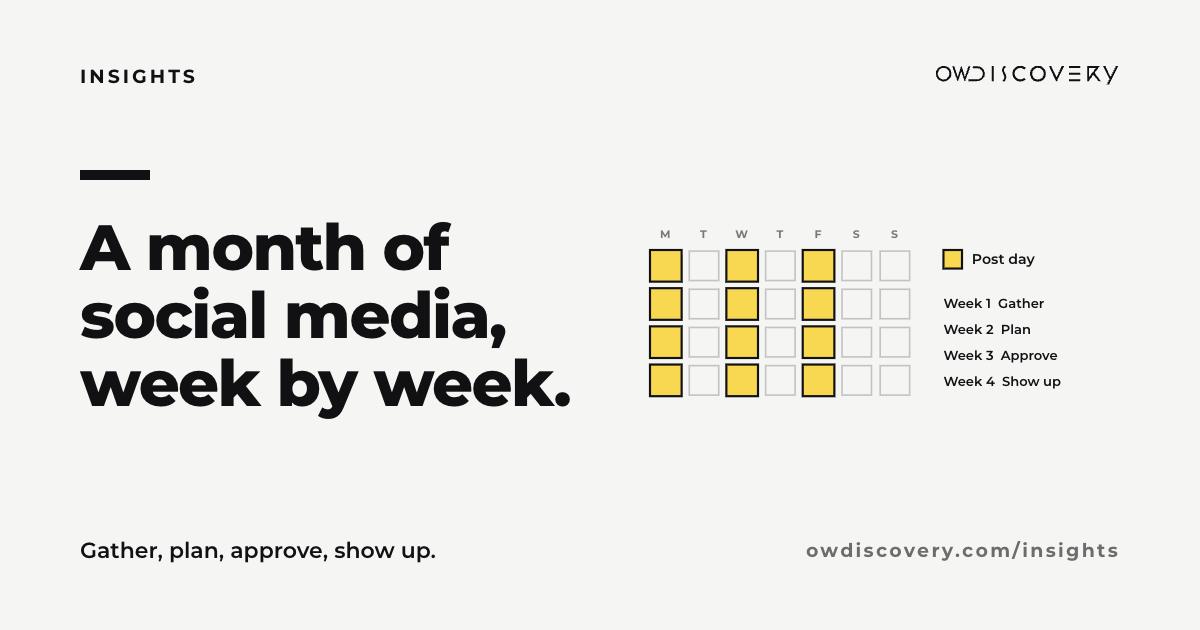
A simple holiday calendar for one or two platforms:
| When | Post |
|---|---|
| Early November | Your holiday hours, all in one graphic. Pin it. |
| Mid November | Gift cards: what they are, how to buy them, and a photo of what they look like. |
| The week before Thanksgiving | Order or booking deadlines, if you have them. |
| Small Business Saturday week | Why you're here: one short post about your business and the people behind it. |
| Early December | Gift ideas from your own business, shown on your own shelves or in your own space. |
| Mid December | The last day to buy, book or order before the holidays. Repost your hours. |
| The week after Christmas | Thank you, and your hours through New Year's. |
Keep holiday posts looking like you. A few seasonal touches go further than a feed that suddenly looks like a department store.
Week of November 2: set up gift cards properly
Gift cards are the easiest holiday product for most local businesses:
- Make them easy to buy: at the register, by phone and online if your point of sale supports it.
- Show what one looks like. People buy what they can picture giving.
- Say what it covers: a dollar amount, or a specific service or item.
- Check the rules before you add expiration dates or fees. Gift card rules are set by federal and state law, so confirm with your payment provider or an accountant if you're not sure.
Week of November 9: write offers people understand
If you run an offer, test it against these:
- One sentence explains it. "Buy a $50 gift card, get a $10 card for yourself, through December 24."
- It has a clear end date.
- It shows the real terms: what's included, what isn't, and any limits.
- It doesn't pressure. No fake countdowns, and no "only 2 left" unless it's true.
- It follows your field's rules. Licensed practices, alcohol sellers and health businesses often have advertising rules in Georgia. Your licensing board is the place to confirm them.
During the season: answer fast
This is when people message you with real buying questions: "Are you open Saturday?" "Can I pick up on the 23rd?" "Do you have gift cards?"
- Check messages and comments at least once a day.
- Answer with specifics, not "yes, we're open", and include the hours.
- Keep a short note of what people ask. Next year's holiday post is already in there.
In January: look back for ten minutes
Before you forget, write down:
- which days were busiest and which were quiet
- which posts brought real calls, bookings or visits
- what people asked that you hadn't answered in advance
- what you'd change next year
Next year's plan starts with that page.
The short version
Decide early. Put the same hours everywhere. Make gift cards easy. Keep offers simple and true. Answer people quickly.
If you'd like a hand with the season, answer a few questions at owdiscovery.com/contact-us and we will build your personalized proposal, with your holiday dates, hours and posts planned through New Year's.
Sources
- Holiday dates checked against the 2026 calendar: Thanksgiving is the fourth Thursday of November (November 26, 2026).
- Google Business Profile Help, "How to set Special hours": https://support.google.com/business/answer/6303076 (special hours show only on the dates you set; your regular hours stay as they are).